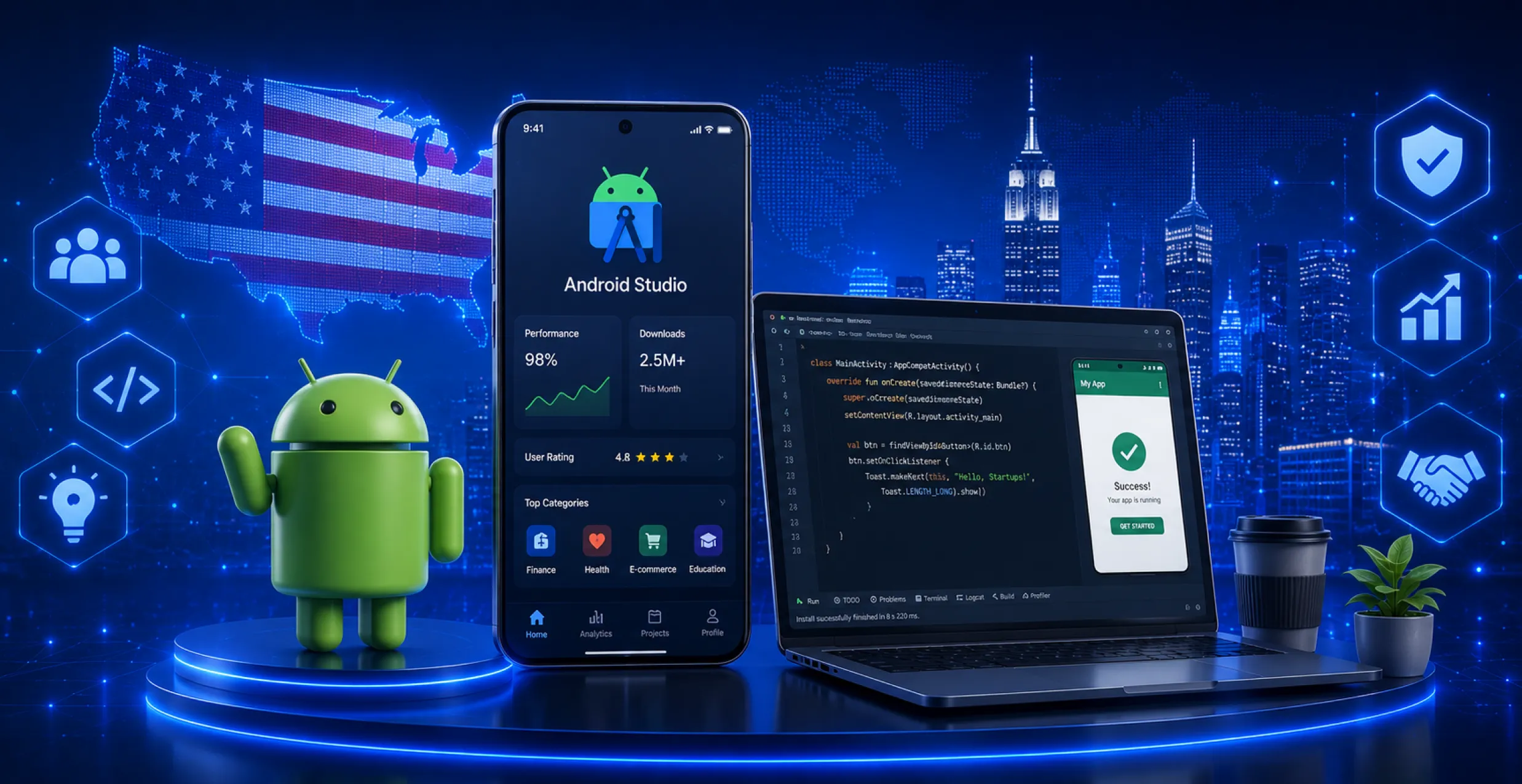



There is no doubt that generative AI is a revolutionary technology, changing the face of Android app development in 2026. It automates a lot of strenuous development tasks such as UI design, code generation, app testing, and more.
Not just that, but generative AI integration in Android apps can also enhance the overall user experience by facilitating personalization. It provides you with the liberty of analyzing user data and behavior for curating tailored content or product suggestions.
Brands like Amazon Prime Video and Netflix have already adopted generative AI for their mobile apps, providing them with personalized suggestions depending on the search and watch history.
According to a market forecast report, the global generative AI market is projected to grow at a CAGR of ~37.6% over the forecast period (2025–2030), reaching about USD 109.37 billion by 2030 reflecting rapid adoption and investment in generative AI technologies.
So, if you are ready with your next Android app development project, this article will guide you on how to integrate generative AI into it. Read along till the end to ensure you are not missing out on one of the latest industry trends.
Why is Generative AI Crucial for Android App Development in 2026?
Well, the traditional Android app development process involves a lot of repetitive tasks for developers. For instance, developers have to:
- Write XML layouts
- Manage API integrations
- Fix syntax errors
- Optimize performance, etc.
These redundant tasks might not be a problem for experienced developers, but they can still consume a lot of time, which isn’t efficient overall. The generative AI integration in Android apps offers developers a way to streamline these repetitive tasks in many ways, including:
- Generating high-quality code
- Design project structures in a few seconds
- Run automated tests
- Assist with documentation and more.
This way, developers can drive their focus on better innovation and improved user experience aspects while building generative AI Android apps.
Different Use Cases of Generative AI Integration in Android Apps
Before diving deeper into the topic, it’s important that you learn about some of the common generative AI use cases for mobile apps. They include:
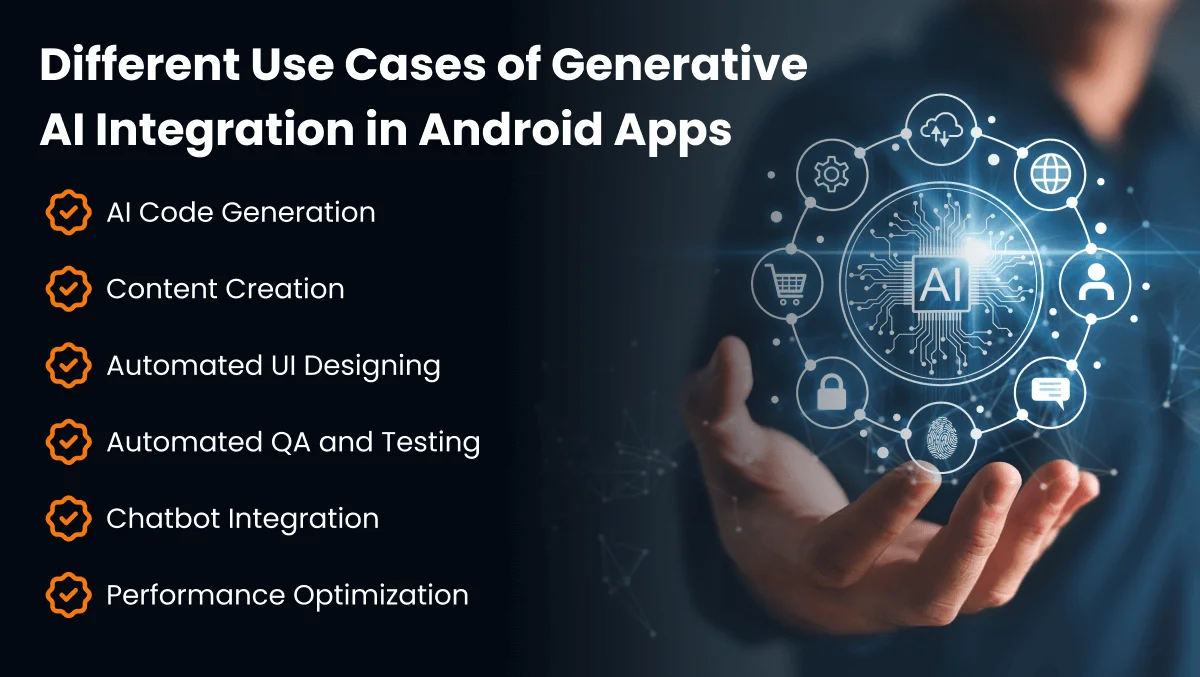
1. AI Code Generation
Tools like Tabnine and GitHub Copilot support AI code generation. These tools are designed to help developers automatically generate test cases, boilerplate code, UI scaffolds, and more. Due to this use case of generative AI, developers save a lot of time on repetitive tasks, as they can get code snippets with just a single prompt.
2. Content Creation
If your Android app will rely heavily on content such as blogs, E-commerce product descriptions, and social media postings, integrating generative AI can be of great help. It will help you generate long-form content, marketing copy, and product descriptions, all through simple prompts.
3. Automated UI Designing
AI integration in mobile apps can change the way developers design the front-end. It is because generative AI can now create UI layouts, design assets, and wireframes using text prompts. For instance, if a UI designer prompts the AI model to create a minimal yet model login screen, a usable UI with typography, icons, and color palettes will be ready for further optimization or customization.
4. Automated QA and Testing
When leveraging AI-powered Android app development, you will be able to generate testing scripts easily and automatically. Evaluating the performance and security of an Android app will be made easier with Gen AI. For instance, the AI system will scan the app functions and will produce Appium or Jest tests by using mock data.
5. Chatbot Integration
The large language models in Android apps, such as GPT-4, alongside Claude AI, can together enable the AI-powered chatbots to address user queries naturally. For instance, suppose you are building a travel app integrated with an AI chatbot, users will be able to generate a complete itinerary of their trip by just specifying their budget, duration of the trip, and location, in a natural conversational manner.
6. Performance Optimization
Generative AI integration in Android apps can help scale their performance in the long run. It will help developers identify the performance issues in your app and address them in real-time. AI will help analyze how your app users interact with different functionalities and will suggest necessary improvements, such as code optimization, improved resource allocation, etc.
Read More: In-House vs Outsourced Android App Development: Pros & Cons
Steps to Implement Generative AI Integration in Android Apps
Before you seek generative AI development services to build your Android app, let’s discuss the detailed steps for you to seamlessly integrate it:
1. Pick the Right Gen AI Tools or APIs
You don’t necessarily need to build generative AI models from scratch for your Android app. It is because the tech giants like Google already provide pre-built APIs that can seamlessly function with the Android ecosystem.
Some of the popular tools & APIs for you to facilitate GenAI mobile app features are:
- Firebase ML Kit: comes with pre-built functions such as barcode, face, and text detection for easy integration into your Android app.
- Gemini API: You can integrate the Google Gemini API through Firebase or Vertex AI for adding conversational and generative AI to your Android app.
- TensorFlow Lite: This enables you to run pre-trained or custom ML models on Android devices.
- OpenAI API: It is the perfect integration for adding chatbots and enabling your app to support text or summary generation.
2. Set Up the Project
Once your tools are decided, you can then integrate them into your Android Studio project. Seek the help of a leading and the best Artificial Intelligence development company to help you with the same.
For instance, if you are integrating TensorFlow Lite, your Android app developers will be:
- Adding the essential dependency within the app-level Gradle file.
- Importing the pre-trained model.
- Using the interpreter class for running the AI model directly within the app.
Following that, if you are adopting cloud-based APIs such as Firebase ML or Gemini, the setup process is quite similar. Developers will be:
- Adding the SDK dependency
- Initializing the service
- Handing API responses
3. Customize or Train the AI Model
If you want your Android app to perform specific functions powered by generative AI, you can further fine-tune or train the model.
As part of custom Android app development services, the team of experts you hire will leverage the potential of Google Colab for building & training the AI model.
Apart from that, you can also use the TensorFlow Lite Model Maker for creating production-ready AI models for powering them with text or image classification, using minimal coding efforts.
Once the generative AI model is trained with custom iterations, you can then convert the same into a lightweight format for seamless mobile usability.
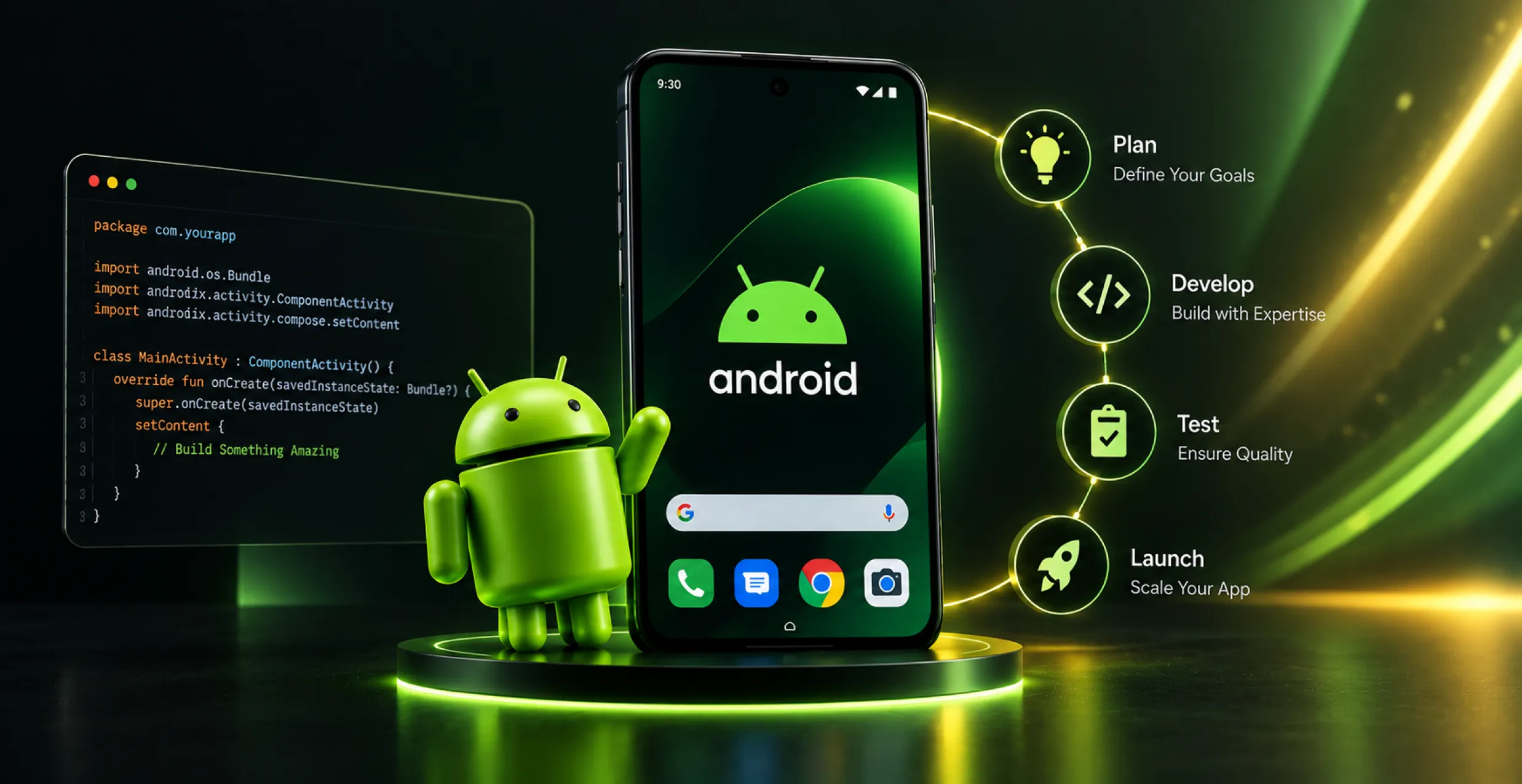
4. Test, Enhance, and Launch Your App
You can then test your Gen AI-powered Android app with diverse users and keep track of how the intelligent model behaves. For instance, you must assess response time, result accuracy, and user satisfaction.
Once the performance is satisfied and as expected, it can then be deployed from Android Studio to the Play Store, making your app live for users to try.
Is Generative AI the Future of Software Development?
Yes, Generative AI will eventually take over the heavy tasks in software development! From streamlining the generation of boilerplate code to generating UI designs, this advanced technology aims at speeding up the development process, reducing bugs & errors, and enabling developers to bring in that creative edge.
Generative AI is the future of software development because:
- The global GenAI market is expected to reach a size of $161.34 billion by the end of 2029.
- More than 49% of developers at the end of 2025 were either already using or were enticed to use generative AI assistants for coding software.
- Developers leveraging and integrating generative AI in Android app development have reported 10%-30% better productivity.
Parting Words
Android development is definitely evolving with generative AI workflows, considering the tools like Copilot, Gemini, and ChatGPT are evolving. Over time, these tools will not just be used for generating code, but will be better utilized as collaborators to design software architectures.
Integrating it into Android apps will not just help improve the overall end-user experience, but will also help businesses predict performance flaws and optimize UI based on feedback. At Octal IT Solution LLP, we have proficient Android developers, capable of integrating generative AI and its functionalities seamlessly into your mobile apps.
We aim at improving code accuracy, enhancing creativity, boosting user experience, and automating repetitive tasks in the overall Android development process. If you are one of the budding entrepreneurs seeking Generative AI integration in Android apps, let us help you in this quest! Reach out to us today!
Read More : Android app development companies


 Get in Touch
 By
By September 23, 2026